A dad figure wearing red Christmas socks, generated from an actual photo next to a Christmas tree. This example demonstrates how VibeSprite can transform a real-world photo into a game-ready character with multiple animation spritesheets.
Input Method
Photo reference (selfie next to a Christmas tree)
Prompt
No text prompt — generated from photo reference
Features Used
Generated Spritesheets
Character Sheet
Base character with 8 isometric idle poses
Idle + Walk Spritesheet
9 columns x 8 rows — Row 1: idle poses in 8 directions. Rows 2-8: walk animation frames across 8 isometric directions
Idle + Run Spritesheet
9 columns x 8 rows — Row 1: idle poses in 8 directions. Rows 2-8: run animation frames across 8 isometric directions
Jump Spritesheet
12 columns x 8 rows — Each row contains a full 12-frame jump animation for one of the 8 isometric directions
How to Create Something Similar
-
1
Upload a photo
Take a photo or use an existing image as reference for your character.
-
2
Generate the character
VibeSprite transforms your photo into a 2D game character with 8 isometric idle poses.
-
3
Generate animation spritesheets
Pick an action (walk, run, jump) and generate a full animation spritesheet with frames in all 8 directions.
-
4
Download and use in your game
Download the spritesheets and integrate them into your game engine.
Ready to create your own characters?
Get Started FreeMore Examples
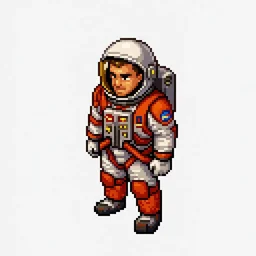
Mars Astronaut
Character from Text Prompt + Enhancement
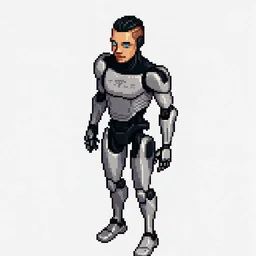
Humanoid Robot
Character from Text Prompt + Enhancement
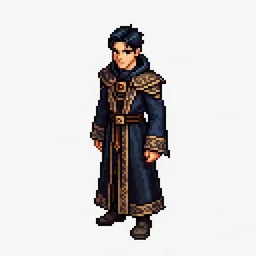
Young Wizard with Blue Hair
Character from a Simple Prompt
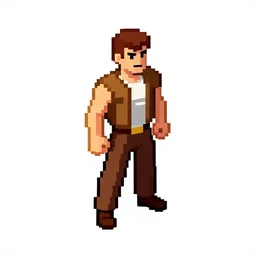
Chuck Norris
Character from a Name Prompt
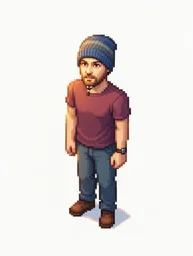
Man with a Hat
Character from a Selfie
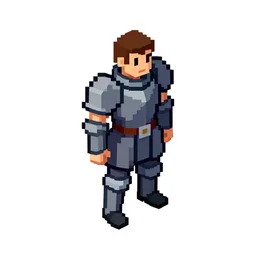
Knight in Golden Armor
Character from a Simple Prompt